ShortCode replaces repetitive typing with lightning-fast shortcuts that work everywhere on your Mac.
ShortCode is an app that can fit anyone's needs. You could be a teacher writing school reports, an office manager filling out employee paperwork, a software engineer inserting comment blocks, or a family member coordinating dinner plans. ShortCode takes the pain out of typing content over and over again.
Type your shortcut in any app—Mail, Messages, Slack, VS Code, even your browser. ShortCode works system-wide across macOS, so you never have to think about where you are. Your snippets follow you everywhere you type.
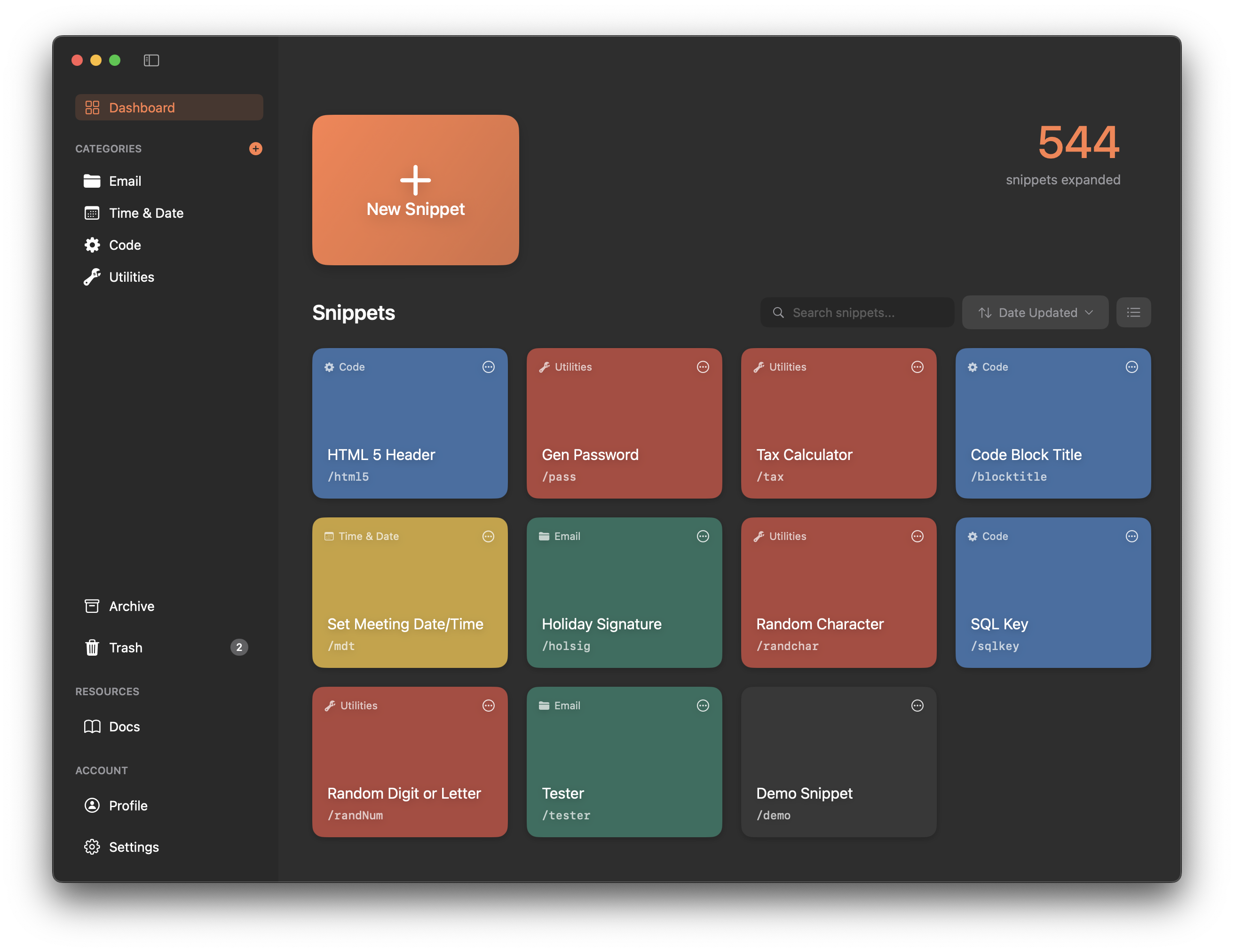
Just a few keystrokes and I'm done. Every second counts when you're focused on your work. ShortCode helps you reclaim those seconds—and hours—by eliminating repetitive typing. Whether it's your email signature, a code template, or your full address, ShortCode expands it instantly so you can stay in your flow.
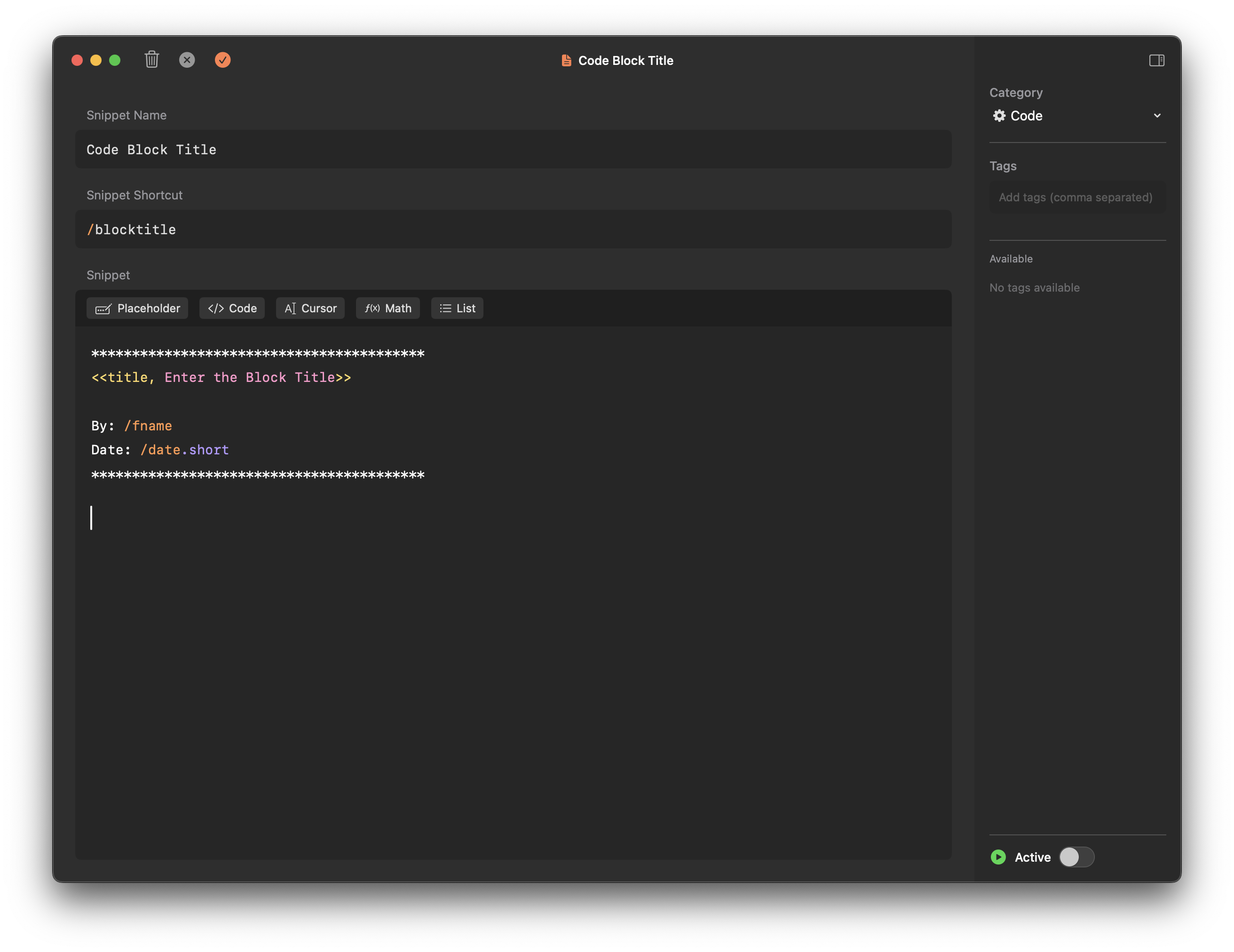
Build snippets from other snippets. Reference $signature inside your email template, or combine multiple snippets into complex workflows. Your shortcuts work together seamlessly.
Use the default $ trigger or create your own. Whether you prefer /, ;, or any other prefix, ShortCode adapts to your workflow, not the other way around.
Create shortcuts that make sense to you. $sig for signature, $add for address, $meeting for meeting templates. No memorizing cryptic codes—just type what feels natural.
Can't remember the exact shortcut? Hit your search hotkey and find any snippet instantly. Search by name, tag, or content, then expand it with one click or keystroke.
Need a one-time expansion? Use the Scratchpad to quickly compose and expand more detailed text without creating a permanent snippet. Perfect for those unique situations that don't need to be saved.
Insert dynamic dates and times with commands like $date and $time. Format them however you need: "January 25, 2026", "01/25/26", or "next Friday at 3pm".
Your snippets sync automatically across all your Macs via iCloud. Set it up once on your MacBook, and it's instantly available on your iMac, Mac Studio, or any other Mac you use.
Organize your snippets with color-coded categories and tags. Group work emails separately from personal snippets, or tag code snippets by language. Find what you need, fast.
Need quick math? Use $math[127*3.5] inline and ShortCode calculates it instantly. No switching to Calculator—your answer appears right where you're typing.